#Azure Functions and how they work
What are Azure Functions?
#Azure Functions and how they work
What are Azure Functions?
Azure functions are event or trigger driven functions that you can build on Microsoft Azure which you can implement using variety of languages and leverage a lot of Azure features like Continuous Deployment and Integration, Scaling up and Scaling out, Hybrid connections and etc.
The Azure Functions idea is that you need to implement a simple integration between your On-Premise or Cloud resources and you don’t want to build a complete service and just a simple function in the cloud will do the job.
How to create Azure Functions?
Currently there are 2 options to create Azure Functions. You can either go to https://portal.azure.com, and Create a Function App or go to https://functions.azure.com and create the Azure Function.
This is what the https://functions.azure.com looks like:
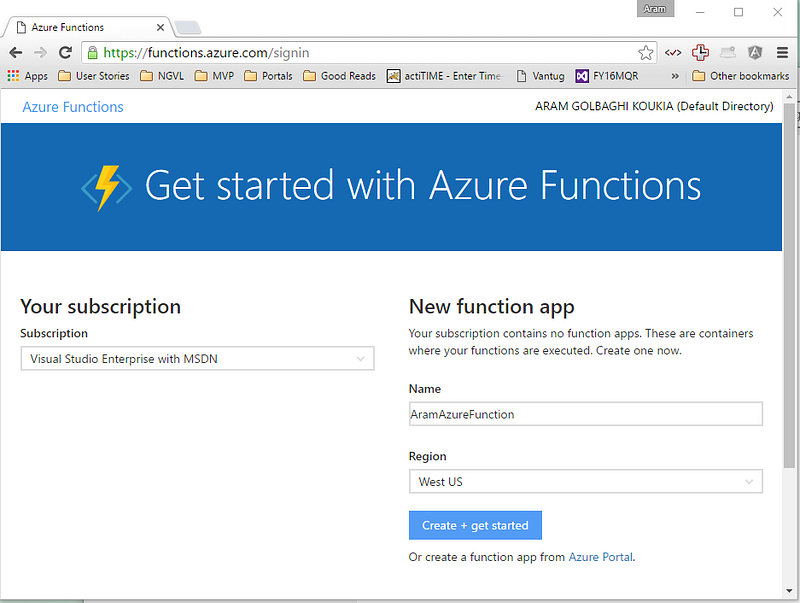
For this tutorial I will demonstrate to use the https://portal.azure.com portal.
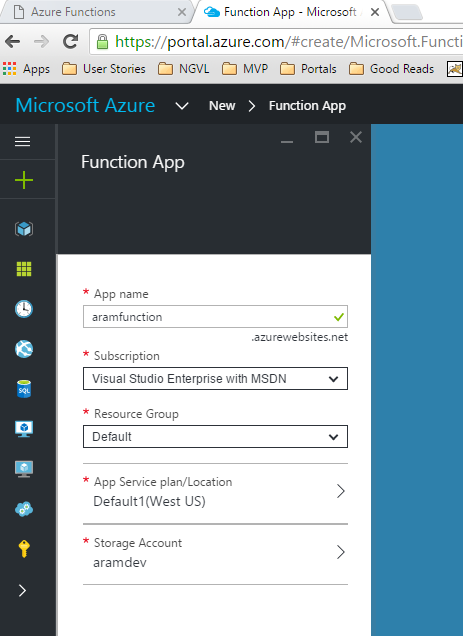
Once you login to the Azure portal, you click on New and select Function Apps, enter the Azure Function name and select the storage account (or create a new one) and click on Create.
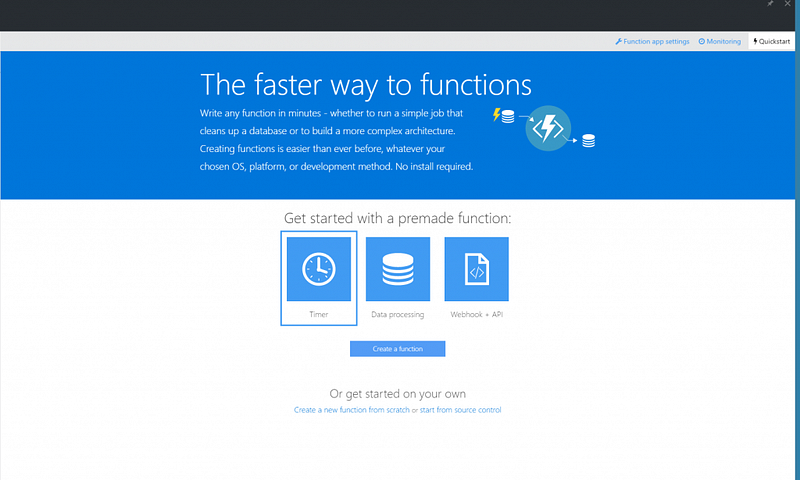
Then you will be taken to the Get Started page where you can select to start based on some existing apps or start from scratch or you can import your code if you have here and start from there.
I will show to start from scratch and for that I click on the little link that says: “Create a new function from scratch” and that will take me to the page what I can select the language and again some templates with some scaffolding code in them.
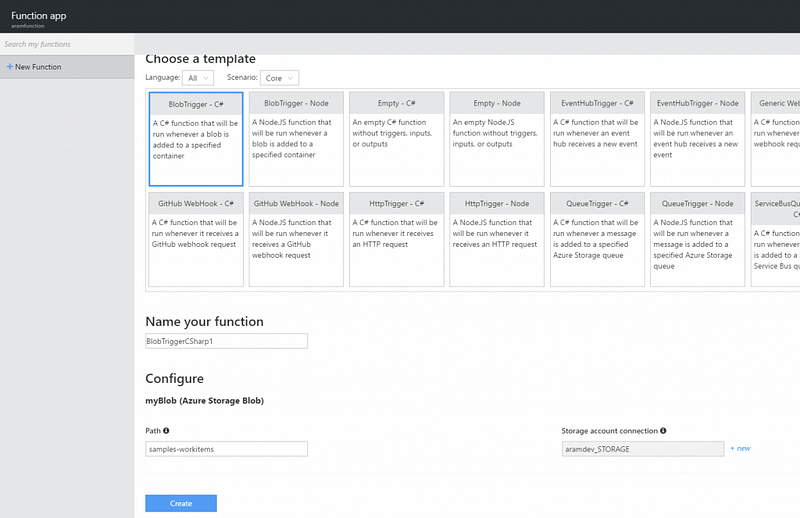
When you click on the link you are redirected to the below page with all different Azure Functions templates.
As you can see, there is a dropdown for Language that you can pick from (Batch, C#, JavaScript, Bash, F#, Php, Powershell, Python are the options you have at the moment) and there is a Scenario dropdown too which you can filter the templates using that one.
I will go ahead and select the BlobTrigger — C# template which is a function that will be run whenever a blob is added to a specified container.
Which container will be watched? you specify that below the screen (select the Storage Account — or create new one and enter the Path to your container in the Storage Account) and click Create.
Then you will be taken to the Develop page where you see the function body there and you can start coding.
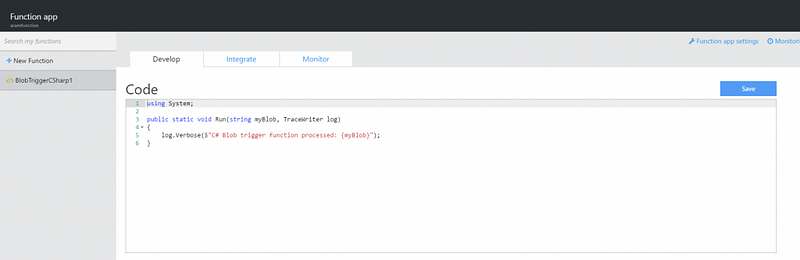
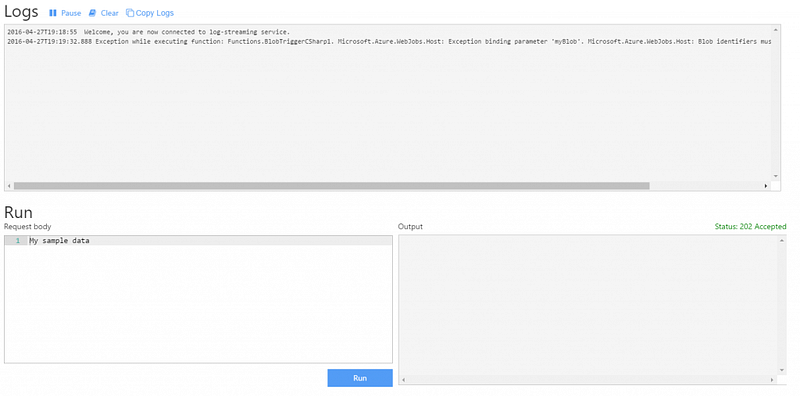
At the bottom of this page, there is the Logs and Input and Output windows where you can run the function and see the logs and the output right there.
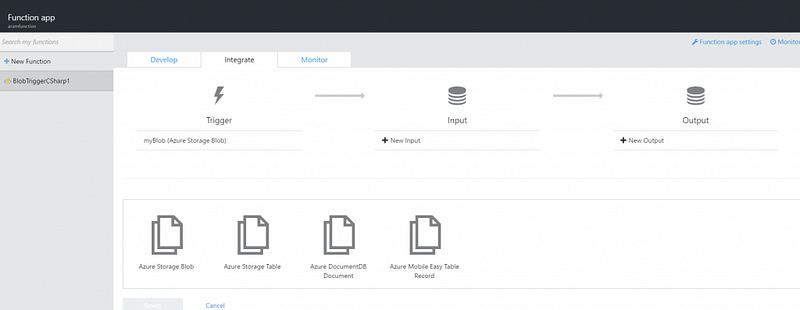
The next tab, is the Integrate tab, where you can integrate with other resources and read from one resource and send it to other resources and basically pass the output through any other storage (Blob Storage, Table Storage, DocumentDB, or Azure Mobile Easy table).
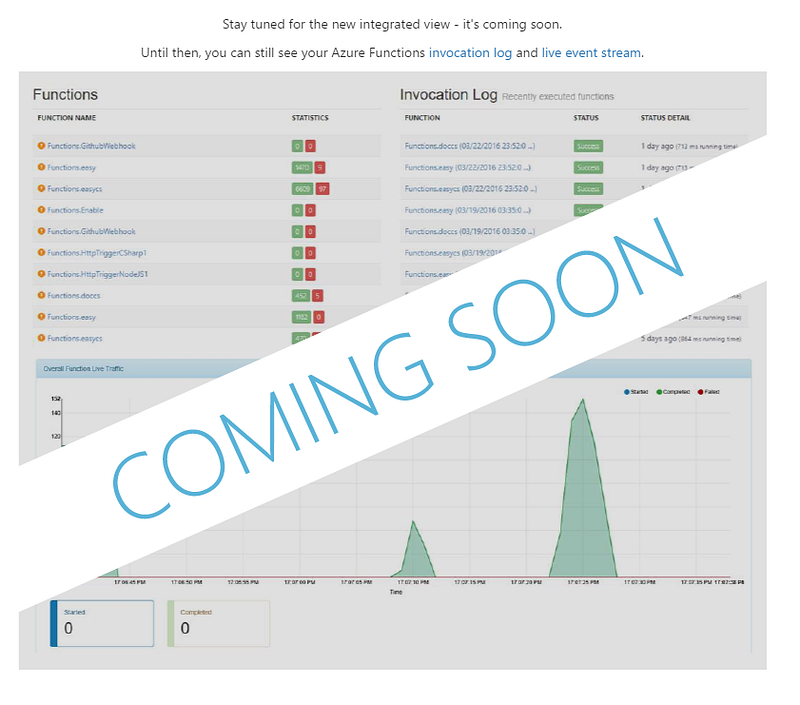
The last tab you see is the Monitor Tab which is still work in progress and is not released yet, so if you go there you will see below page:
Overall Azure Functions seems to be another cool integration/job/event based solution similar and at the same time different like Azure Logic Apps and Or Azure Web Jobs.
I’m sure you can find great use cases for this new Azure Functions feature, but just keep in mind that this feature is still in Preview.